ANDVIEW
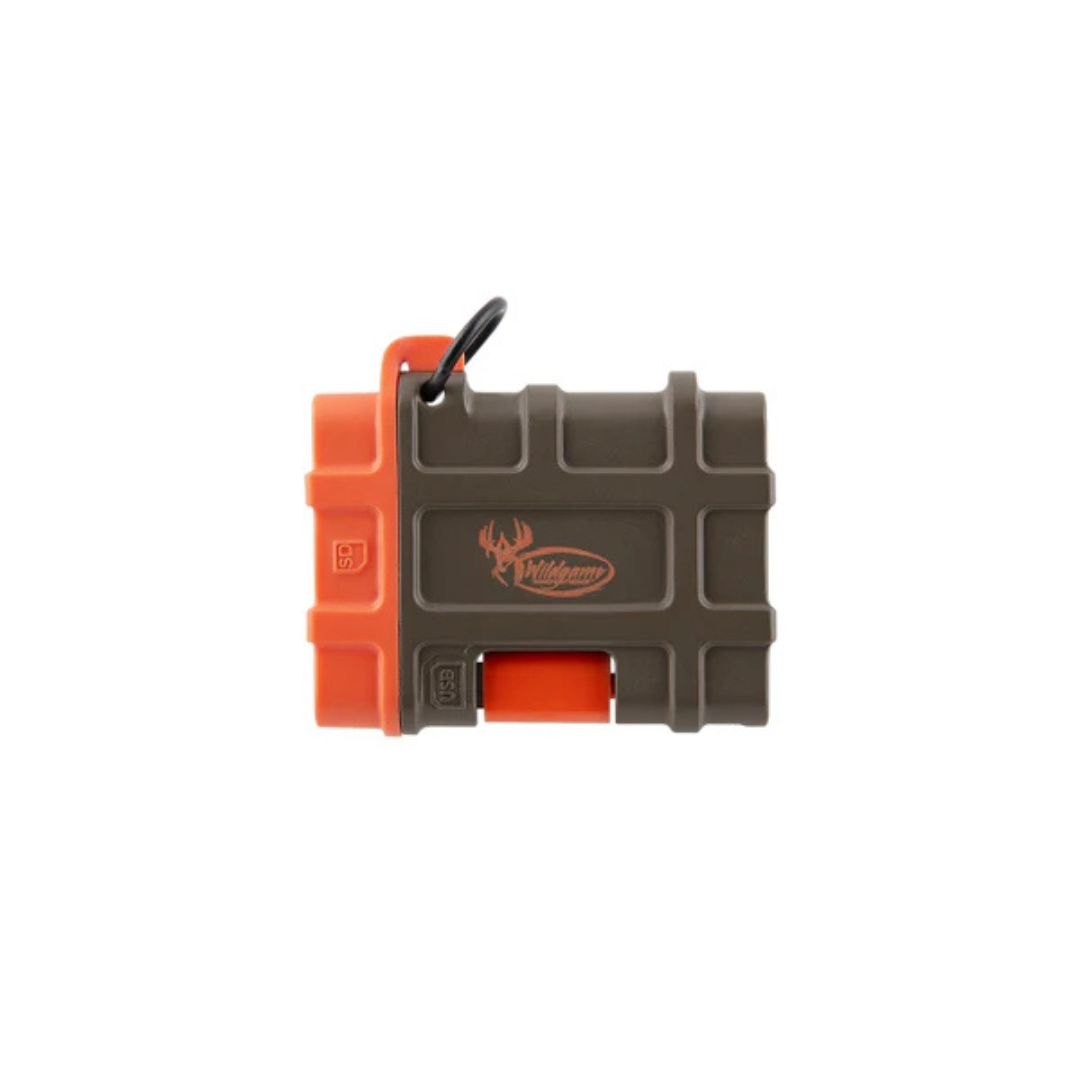
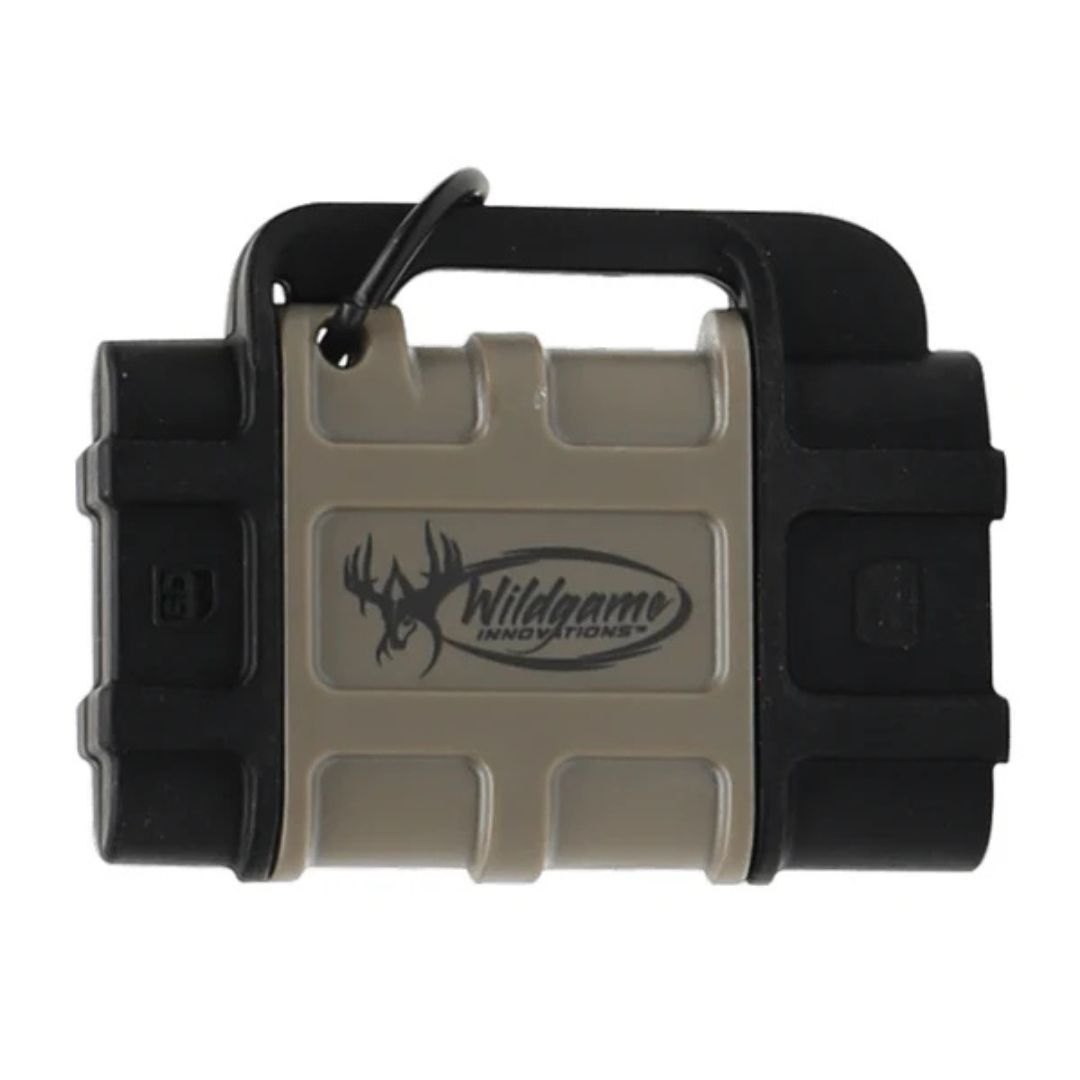
WGI ANDROID SD CARD READER
WGI
Wholesale pricing available for registered accounts
Sign in to view pricingDescription
📱 WGI Android SD Card Reader (Wildgame Innovations)
This is a simple but super handy accessory for trail cameras—especially if you don’t want to mess with a computer.
🎯 What it does
Lets you plug your trail cam SD card directly into your Android phone
View:
Photos
Videos
In the field, right at your camera
👉 No laptop needed in the woods
⚙️ How it works
Pull SD card from your trail cam
Insert into the reader
Plug into your phone (USB-C or micro-USB depending on model)
Open files on your phone
👉 Works like a flash drive
✅ Key Features
Android compatible (OTG supported phones)
Direct file viewing
No batteries needed
Small & pocket-sized
Works with standard SD cards used in trail cams
🔌 Compatibility
Works with:
Most Android phones (USB‑C or old micro‑USB)
Does NOT work on iPhones (without special adapters)
👍 Pros
✅ Check cameras instantly in the woods
✅ Don’t have to carry a laptop
✅ Easy to use
✅ Helps you adjust camera placement fast
👎 Cons
❌ Android only (no iPhone support without workaround)
❌ Some cheap phones may not support OTG
❌ Screen is small vs computer viewing
🔥 When it’s REALLY useful
Scouting season (checking cams quickly)
Adjusting camera angle or location on the spot
Running multiple budget cams (like Kicker/Terra)
👉 Huge time saver when you're checking several cameras
🧠 Pro Tip
When using it in the field:
Delete junk photos right away
You won’t fill up your SD card as fast
Keeps your cameras running longer
⚡ Bottom Line
👉 WGI Android SD Card Reader = must-have for trail cam users
Cheap ✅
Simple ✅
Saves trips back home ✅
Specifications
- Unit of Measure
- EACH
- Category
- Wildlife & Hunting
- Subcategory
- Trail Cameras